Chrome Extensions
Small tools for the things you do in your browser every day. Built to work on the sites you actually use, and to keep your data in your own browser.


Expando
A free text expander for Chrome. Type a few letters, get the whole message.
Save the replies, sign-offs and templates you type every day, then call them up with a short trigger like ;;thanks. Works in Gmail, Google Docs, Slack, LinkedIn, X, Facebook and Reddit, with formatting, fill-in blanks, dates and cursor placement. No account needed.
- Type a short trigger and the full snippet appears, in almost any text box on the web
- Bold, italic, underline, colours, lists and links come through in Gmail and Google Docs
- Fill-in blanks ask for a name or an order number as the snippet expands
- Drop in today's date, a date a few days ahead, the time, or what you just copied
- Choose exactly where the cursor lands after the snippet goes in
- Forgot a trigger? Search every snippet with Ctrl+Shift+Y, or pick one from the right-click menu
- Syncs to your other computers through Chrome itself, with no account to create
- Your snippets stay in your browser. Nothing you type is sent anywhere

PinPeek
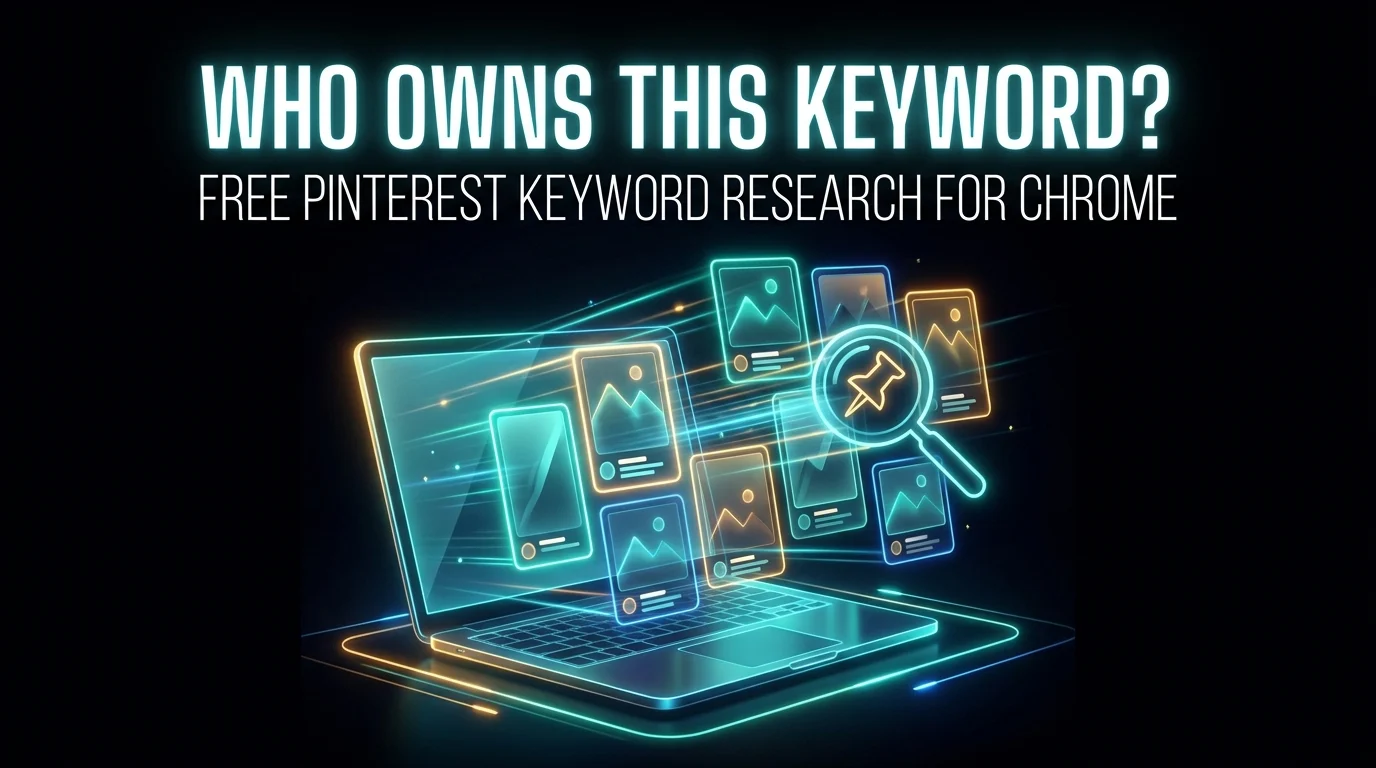
A free Pinterest keyword research tool. Who owns this keyword, and can you beat them?
Search a keyword on Pinterest, click Analyze, and see which websites own it, whether a new site can rank, the pins you can beat and what the winning pins look like. Works beside your search, stamps nothing on your pins, and needs no account.
- A verdict for every keyword: winnable, possible or tough for a new site
- The websites that own the keyword, with their pins and saves
- Beatable pins: top results with few saves, no link or an old date
- Keyword ideas from the searches Pinterest suggests and the words top pins use
- Colours, pin shapes, formats and the words printed on the top pins
- An AI prompt with the whole analysis, and an MCP connection for Claude and Cursor
- Saved keywords that sync through Chrome, with what changed since last time
- Analysed in your browser. It never scrolls, clicks or posts for you

BookPeek
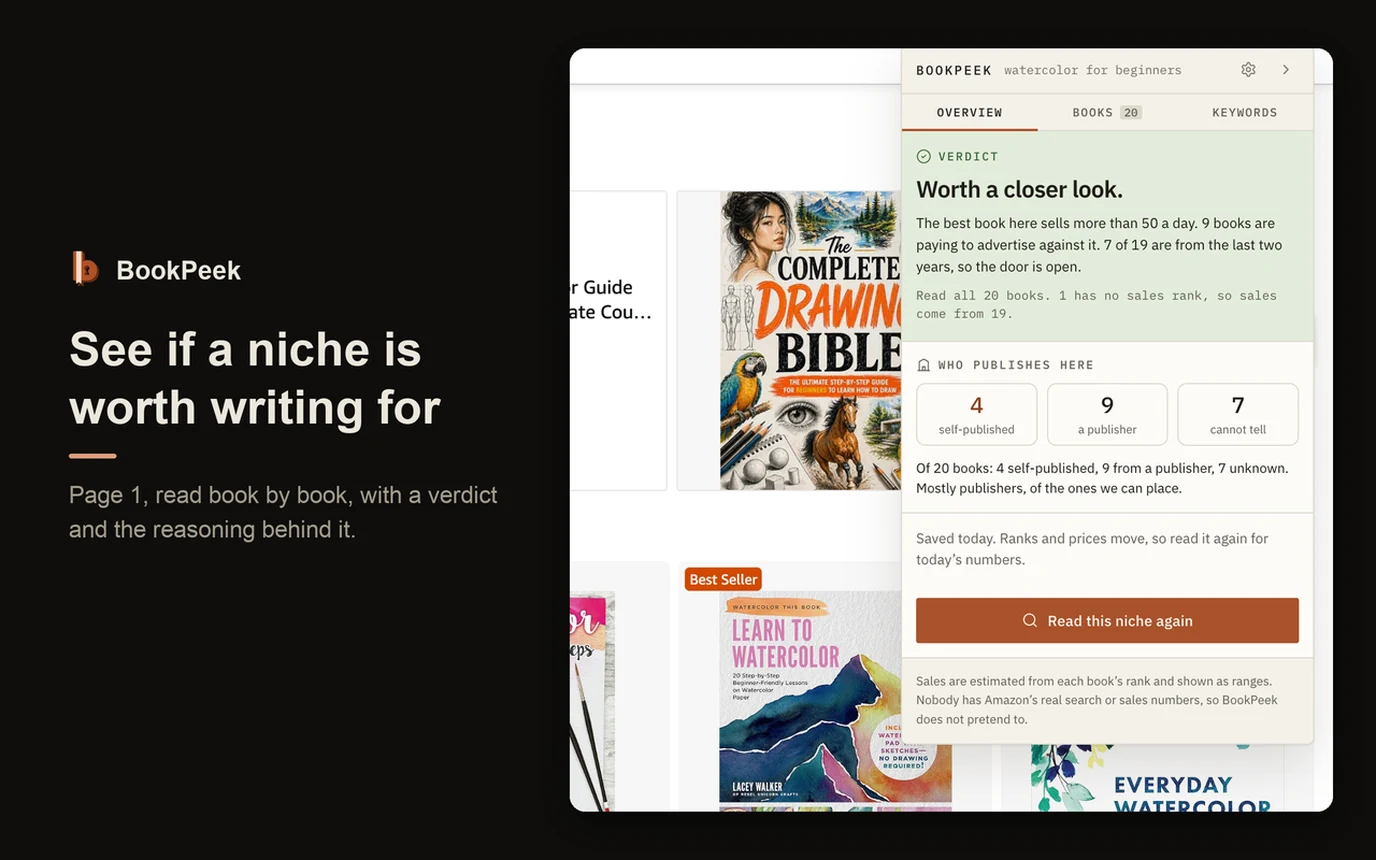
Amazon KDP book research, with an MCP. Is this niche worth writing for?
Search a book idea on Amazon and BookPeek reads page 1: a verdict with the reasoning, what every book sells, how old they are and who published them. Open any book and see what its author earns. Or hand the whole thing to your own AI app through its MCP.
- An MCP, so your own AI app can do the research in your browser
- A verdict in plain English, with the reasoning and how many books it could open
- Sales always shown as a range, never an invented single figure
- What any book's author earns: printing cost, royalty a copy and a month
- Who publishes here: self-published, a publisher, or cannot tell
- Your seven KDP keyword boxes, drafted, with the evidence for each
- Through your AI: what readers complain about, and what is inside the winners
- No account, no analytics, and no invented search-volume number
Looking for WordPress tools instead? See my WordPress plugins. Found a bug or have an idea? Get in touch.