
← All Plugins
WordPress Plugin · Internal Link Analytics

Juicy Links

See Which Internal Links Actually Get Clicked

Juicy Links is a free WordPress plugin that shows you, link by link, which internal anchors readers actually click — and which ones sit ignored.

Pair with Connect My Site to AI and Claude, Cursor, or any AI assistant can audit your worst-performing links and propose rewrites you approve before they go live.

100% free. No Pro tier, no upsell, no usage caps.
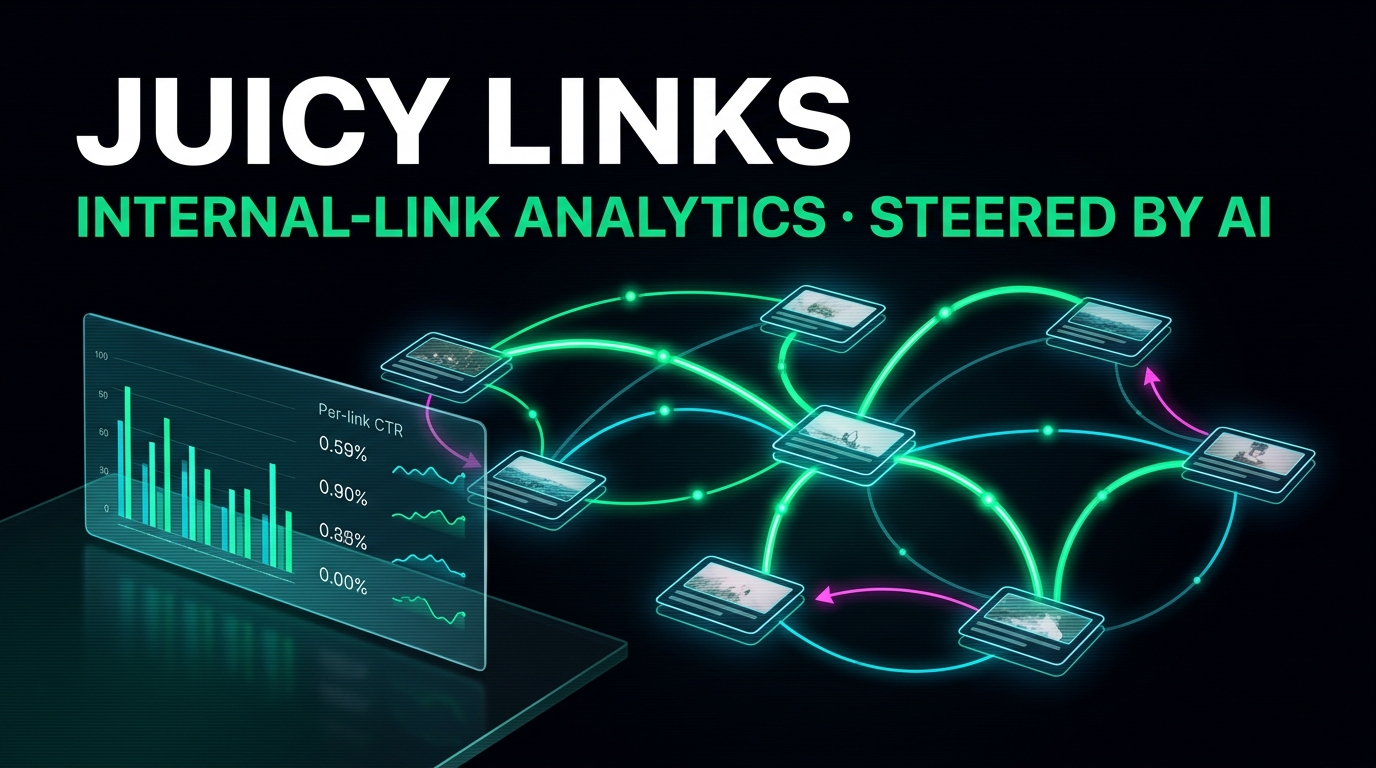
Juicy Links — Internal-link analytics WordPress plugin hero artwork showing a holographic network graph with glowing emerald link paths between nodes

Stop Guessing Which Internal Links Work

Most WordPress analytics tools count clicks at the page level. They tell you a post got 500 visitors, but they cannot tell you which of the eight internal links inside that post the readers actually clicked. So you keep adding more links and hoping.

Juicy Links fixes that. Every internal link on every post becomes its own row in the dashboard. You see the impressions, clicks, click-through rate, and bounce-back for every single anchor — not just the page it lives on. The link in paragraph three and the link in paragraph eight have separate stats, even when they point at the same destination.

Once you can see which anchors are doing the work and which are dead weight, the next step is rewriting the dead ones. That is where the AI pairing comes in: install Connect My Site to AI and Claude, Cursor, or any MCP-compatible assistant can read the data, find your worst anchors, and propose rewrites — with the surrounding sentences as context — that you approve before they go live.

The plugin is 100% free, with no Pro tier and no usage caps. Every feature on this page ships in the free download. See all WordPress plugins by Muntaseer Rahman.

Everything Juicy Links Does

All free. No Pro tier, no upsell, no usage caps.

See Every Link's Performance Individually
Most analytics tools tell you "this page got 200 clicks." Juicy Links tells you "the link in paragraph three got 180 of those clicks while the same link in paragraph eight got 3." Every internal link is its own row.
Only Counts Links Readers Actually See
A link only counts as an impression once a reader actually scrolls it into view. No more inflated denominators from page-load noise — your CTR numbers reflect what your readers actually saw.
Catches Links That Disappoint
When a visitor clicks a link and bounces back within seconds, that is the strongest possible signal that the anchor and the destination did not match expectation. Juicy Links flags these so you can rewrite them.
Mobile vs Desktop Breakdown
See which links work on phones, which work on laptops, and which only work on one. Find the in-paragraph anchors that get hammered on mobile and the sidebar links your desktop readers ignore.
Surrounding Sentence Captured
For every link, Juicy Links remembers the sentences right before and after it. So when an AI rewrites the anchor, it has the actual context it needs — not just the anchor in isolation.
Find Orphan Pages Nobody Links To
Spot the posts on your site that have zero internal links pointing at them — the ones Google barely discovers. Get a clean list of every orphan with one click.
Catch the "Click Here" Anchors
See every generic anchor on your site — "click here", "this", "read more". They are wasting your link equity, and now you know exactly where they live so you can fix them.
Spot Cannibalization
When two links on the same post fight over the same destination, both lose. Juicy Links surfaces every cannibalization case so you can keep the strong anchor and rewrite the weak one.
Daily Trends, Not Just Lifetime Totals
See what is trending up and what is trending down. A 30-day trend chart for the site, plus per-link daily roll-ups so you can tell whether last week's edit actually moved the needle.
Anchor-Text Distribution per Page
For any post, see every anchor that points at it across your entire site, ranked by clicks. Spot the inconsistent variations and consolidate on the one that actually works.
Free, Forever, No Caps
No 100-link limit. No "upgrade to see this report" lock screens. No Pro tier sitting behind paid features. The full plugin is the free plugin.
AI-Ready by Design
Pair with Connect My Site to AI and Claude, Cursor, or any MCP-compatible AI assistant can read every analytics report and propose anchor-text rewrites that you approve before applying.

Let Your AI Rewrite Your Cold Links

Pair with Connect My Site to AI

Knowing which links are cold is half the job. Fixing them is the other half — and that is where most internal-linking projects stall, because nobody has the time to manually audit every anchor across hundreds of posts.

Install Connect My Site to AI alongside Juicy Links and your AI assistant — Claude Desktop, Claude Code, Cursor, Cline, Continue, Zed, or any MCP-compatible client — gets full read-access to the analytics. Just type a prompt:

  • "Show me my 10 worst-performing internal links and propose anchor-text rewrites that fit the surrounding sentence."
  • "Find every post linking to my home page with the anchor 'home' or 'here' — those are wasted SEO."
  • "What anchor variations point to this post, and which one converts best?"
  • "Find cannibalization on this post — multiple links pointing at the same target."
  • "List my orphan posts and suggest a parent post that should link to each."

The AI proposes the changes; you approve them; the rewrite applies in WordPress through the same Connect My Site to AI tooling. Next save triggers a fresh inventory scan and the new anchor starts collecting stats from event #1.

Read with the free plan
Site overview, link inventory, per-post link reports, target-page rankings, cannibalization, orphan posts, underperformers, anchor-text distribution, link trends, and health checks — all readable by your AI without paying a cent.
Write with Pro
Let the AI patch settings, mark noisy links to ignore, trigger fresh inventory scans, and reset stats on links you have just rewritten — so the new anchor starts clean.

Connect My Site to AI is also free to install (Pro is only required for write tools). Learn more →

Your Visitors Stay Anonymous

No third-party trackers, no cookies, no IP storage, no consent banner needed.

Anonymous by Design
Zero personal data stored. No IPs, no User-Agents, no geo lookups, no cookies, no fingerprints. Every event is fully anonymous, so there is nothing for a GDPR auditor to find — and nothing your visitors need to consent to.
Your Own Clicks Never Count
Logged-in editors and admins are filtered out completely — your own click-throughs while editing posts never pollute the data. The numbers you see are pure visitor behavior.
Works Behind Any Cache
Tested with WP Rocket, LiteSpeed Cache, W3 Total Cache, SG Optimizer, Autoptimize, and WP Super Cache. No configuration tweaks, no exclusion rules, no broken events — just install and go.

How to Set Up Juicy Links

Four steps. Under three minutes from download to first event.

1
Install the plugin
Download the ZIP and upload it via Plugins → Add New → Upload Plugin in WordPress admin. Activate it. That is it — no account creation, no API keys, no setup wizard.
2
Pick your post types
Go to Juicy Links → Settings and tick what you want covered — posts, pages, custom post types. Anything you do not tick is skipped entirely.
3
Run the initial scan
Click Run Initial Scan. Juicy Links walks every published post and builds your link inventory. From then on, every save updates the inventory automatically — no manual rescanning.
4
Watch the data roll in
As real visitors browse, the dashboard fills with per-link impressions, clicks, and bounce-backs. Sort by clicks, CTR, or last activity to see what is working and what is not.

Who Juicy Links Is For

Real workflows for sites that care about how readers actually move through their content.

Recipe & Food Bloggers
Find which "related recipe" links inside long posts actually convert and which sit dormant. Pair with an AI assistant to rewrite the cold ones with anchor text that matches the cooking step they sit in.
Affiliate & Review Sites
See which internal links into your money pages perform and which are decorative. Spot the high-traffic posts that should be linking to your top affiliate review but are not.
SEO Consultants & Agencies
Hand a client a per-link CTR report instead of a generic "internal linking is weak" PDF. Ask the AI to draft a punch-list of every underperforming anchor on the site, in one prompt.
Editorial Teams
Spot when two editors link to the same target with different anchors, or when a "Read more about X" link sits below the fold and never gets seen. Settle anchor-text debates with data.
AI-First Site Owners
If you already use AI to draft and edit content, Juicy Links is the analytics layer the AI was missing — so the rewrites it proposes are based on what is actually happening on your site, not guesses.
Privacy-Conscious Publishers
No third-party tracker, no cookies, no IP storage, no consent banner needed. Every event is anonymous. GDPR-clean by default.

Free, and Free Forever

No upgrade prompts, no usage caps, no Pro tier hiding the good stuff.

No Per-Link Limit
Every internal link on your site is tracked, no matter how big the archive. Whether your site has 50 posts or 5,000, the same plugin handles them all without nudging you toward a paid tier.
No "Upgrade to See This" Walls
Every report is unlocked for every user. Underperformers, orphans, cannibalization, anchor-text distribution — all of it shows up in the dashboard the moment you have data.
Auto-Updates Inside WordPress
New versions appear in your standard Plugins → Updates screen and install with one click. No manual ZIP juggling, no missed releases, no compatibility surprises.

Juicy Links — Frequently Asked Questions

Will Juicy Links slow down my site?

No. The plugin adds one tiny attribute to your internal links and loads a small tracker only on single-post pages. Page-load impact is negligible — small enough that PageSpeed Insights will not budge.

Does it work with WP Rocket, LiteSpeed, or other caching plugins?

Yes. Juicy Links is built to work through cached pages out of the box. Tested with WP Rocket, LiteSpeed Cache, W3 Total Cache, SG Optimizer, Autoptimize, and WP Super Cache. No special configuration required.

Does Juicy Links track me when I am logged in editing?

No. Your own clicks while logged in as an editor or admin never count, even if you forget to log out before clicking around to check something. The data you see is purely from real visitors.

Do I need Connect My Site to AI to use Juicy Links?

No. Juicy Links works perfectly well on its own — you get the full analytics dashboard with per-link metrics, 30-day trends, and a sortable table. The AI pairing is for users who want an assistant to read the rich per-link context and propose anchor rewrites. Both plugins are free.

Will the tracking break GDPR or privacy regulations?

No. Every event is anonymous: no IP address, no User-Agent, no referrer, no geo lookup, no fingerprint. No cookies are set. Nothing requires a consent banner.

Does it modify my post content?

No. Juicy Links never rewrites your content. It adds one invisible attribute to internal links at render time so the tracker knows which link was clicked — your original content is never touched. Uninstall the plugin and the attribute disappears.

What about external links to Amazon, YouTube, etc.?

External links are kept in the inventory but excluded from the main analytics dashboard. If you also use Connect My Site to AI, the AI can pull them in for outbound-link audits — useful for "which Amazon links never get clicked?" without conflating them with internal navigation.

Does it work with Mediavine, AdThrive, or recipe-card blocks?

Yes. The scanner respects the post-content boundary, so ad-network shortcodes and recipe-card blocks are walked correctly. Tested with the most common recipe-card plugins.

How long is data kept?

Raw events are kept for 90 days by default; daily roll-ups (which is what powers the long-term trend charts) are kept indefinitely. Both retention windows are adjustable from Settings.

Why is it called Juicy Links?

"Link juice" is what SEO folks have called internal-link equity for a couple of decades. Juicy Links is the plugin that finally tells you, link by link, where the juice is going — and where it is being wasted.

Ready to See Which Internal Links Actually Work?

Download the free plugin, run an initial scan, and watch the dashboard fill in from real visitors. Pair with Connect My Site to AI when you are ready to let an AI assistant audit your worst-performing anchors and propose rewrites with the surrounding context.

100% free. No Pro tier, no upsell, no usage caps.

Download Free Plugin

Enter your email and we'll send you a confirmation link. Click it to start the download.

We'll email the download link so we can verify your address. You may also receive occasional plugin updates. Unsubscribe anytime. See our Privacy Policy.